
“`html
- What AI really changes in website creation
- The 8 best AI tools for creating a website in 2026
- 1. Wix AI — The most comprehensive for beginners
- 2. Hostinger AI — The best value for money
- 3. Framer — Best for visually impactful designs
- 4. Webflow + AI — The professional standard
- 5. 10Web — Best for the WordPress ecosystem
- 6. Lovable — For web applications without coding
- 7. Durable — A website in 30 seconds for freelancers
- 8. Bolt.new — For developers who want to move fast
- Comparison table of the best AI tools for creating a website
- How to choose the right AI tool based on your profile
- You’re a complete beginner
- You have a very limited budget
- You want a premium design
- You manage an agency or client projects
- You want to build an application, not just a website
- Limitations to know before getting started
- Conclusion
Do you dream of launching a professional website without mastering code or spending thousands of euros on a developer? AI for creating a website has revolutionized the way individuals, entrepreneurs and professionals get online. In 2026, a simple prompt is enough to get a complete, structured and SEO-optimized website in just a few minutes.
The global website builder market is booming — it is expected to exceed 7.67 billion dollars by 2031, driven by the rise of AI-assisted solutions. But not all these tools are equal: some are suitable for absolute beginners, others target demanding designers or developers who want to move fast without coding everything.
In this comprehensive guide, you will find the answers to these essential questions: what are the best AI tools for creating a website? Which one to choose based on your profile and budget? What does AI really bring compared to traditional website builders?
What AI really changes in website creation
Before AI, creating a website from scratch involved choosing a theme, manually configuring each page, writing content, optimizing images, setting up SEO… work of several hours, even several days for a non-specialist.
AI-powered website generators automate this entire process. You describe your project in a few sentences — your industry, your colors, your target audience — and the AI automatically generates the structure, design, basic texts and sometimes even images. The result: a professional first draft in minutes.
The concrete advantages are considerable: massive time savings, reduced costs (where a custom-developed site often exceeds €3,000, most AI tools charge between €10 and €30/month), and total accessibility without prior technical skills. According to a Gartner study, 68% of companies that adopted such a tool report having fundamentally changed their approach to web development.
The 8 best AI tools for creating a website in 2026
1. Wix AI — The most comprehensive for beginners
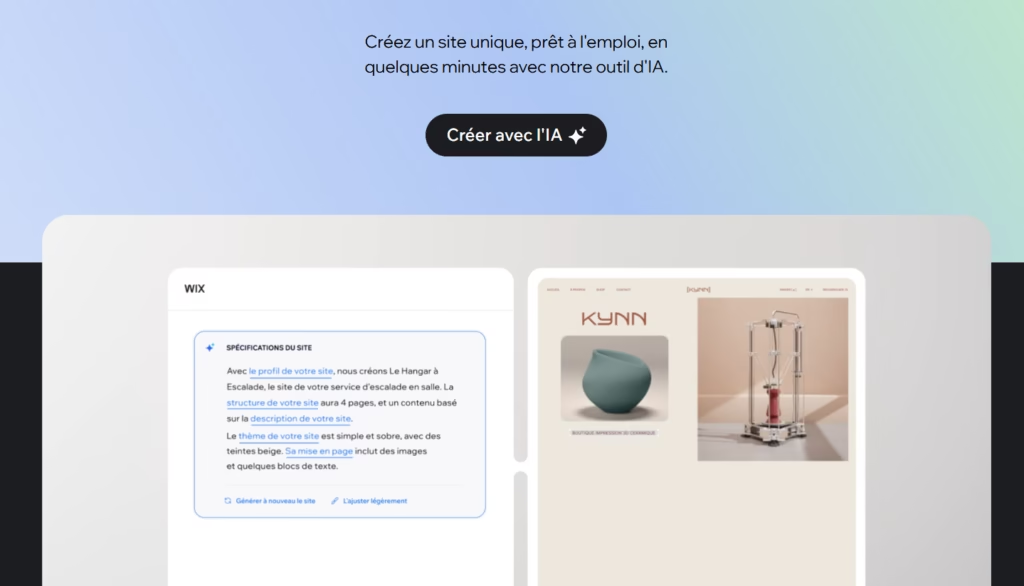
Wix has established itself as the leading mainstream reference with over 282 million users worldwide. Its conversational AI assistant — called Aria — guides users through a series of questions about their business, style and goals, then automatically generates an entire website with content, images and adapted structure.
What sets Wix apart from others: over 20 integrated AI tools, ranging from image generation to SEO optimization, through text creation and automatic layout. The platform also offers e-commerce, booking and member management features.
Strengths: unmatched functional richness, very intuitive interface, free plan available, frequent updates.
Limitation: the website remains hosted on Wix’s proprietary infrastructure — impossible to export if you want to migrate.
Price: free plan available (Wix domain); paid plans starting from €17/month.
Ideal for: entrepreneurs, SMEs, freelancers, any non-technical profile looking for an all-in-one solution.
2. Hostinger AI — The best value for money
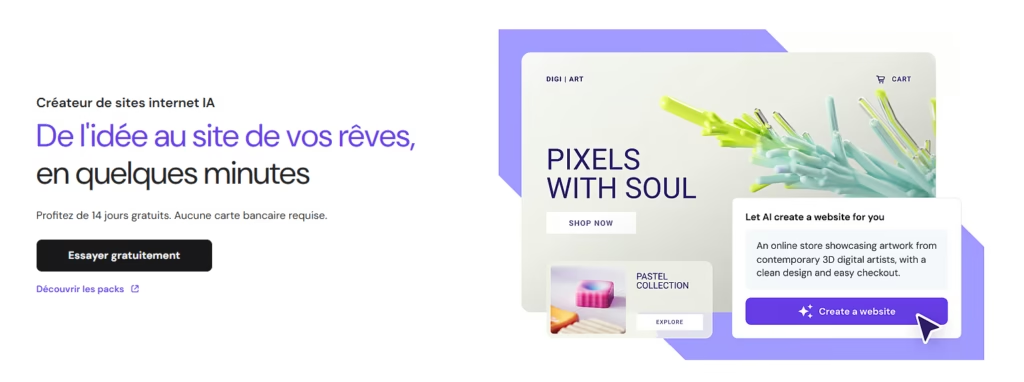
Hostinger offers one of the most financially accessible website creation tools on the market. In just a few sentences describing your activity, the AI generates a functional website with automatically generated texts, images and responsive design — all included in hosting.
The platform also integrates an AI heatmap to analyze visitor behavior, an AI writer for texts and basic SEO tools. For a first showcase site or simple portfolio, it’s often the most economical solution without major compromises on quality.
Strengths: unbeatable price, hosting included, immediate ease of use.
Limitation: customization and advanced features more limited than Wix or Framer.
Price: from €2.99/month (hosting + builder included), free trial available.
Ideal for: startups, freelancers and small structures with a tight budget.
3. Framer — Best for visually impactful designs
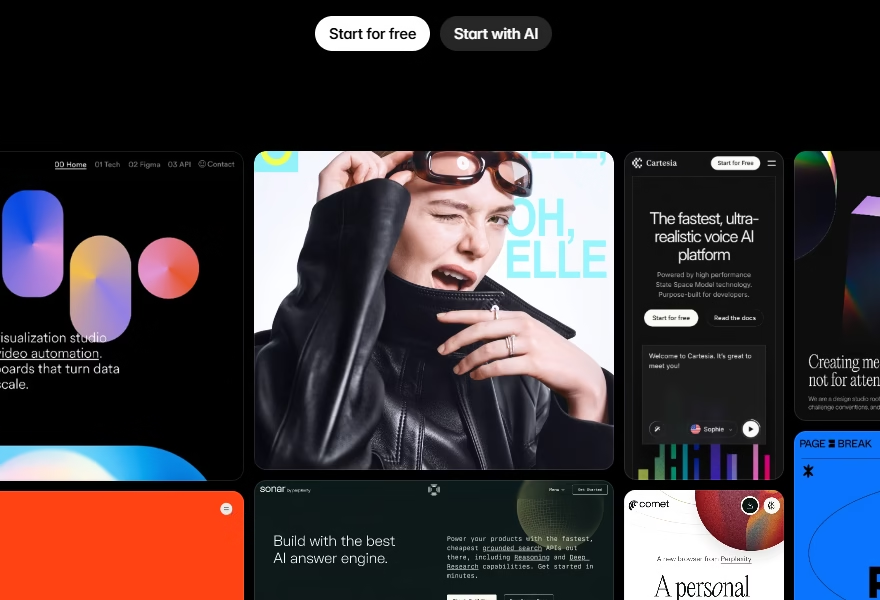
Framer has earned an exceptional reputation in the designer community. Its Wireframer tool — based on a chat interface — generates wireframes and layouts from text descriptions, with an unmatched level of visual refinement on the market.
The platform excels in animations and interactions, with tools that allow effects that most other builders cannot replicate. Figma import is native, making it the natural choice for designers already working in that ecosystem. Framer also offers automatic translation into over 100 languages with a single click.
Strengths: premium visual quality, advanced animations, Figma compatibility, integrated AI translation.
Limitation: learning curve for beginners; the free plan remains limited.
Price: free plan available; paid plans starting from $10/month (per site).
Ideal for: designers, creative agencies, startups focused on brand image, high-end portfolios.
4. Webflow + AI — The professional standard
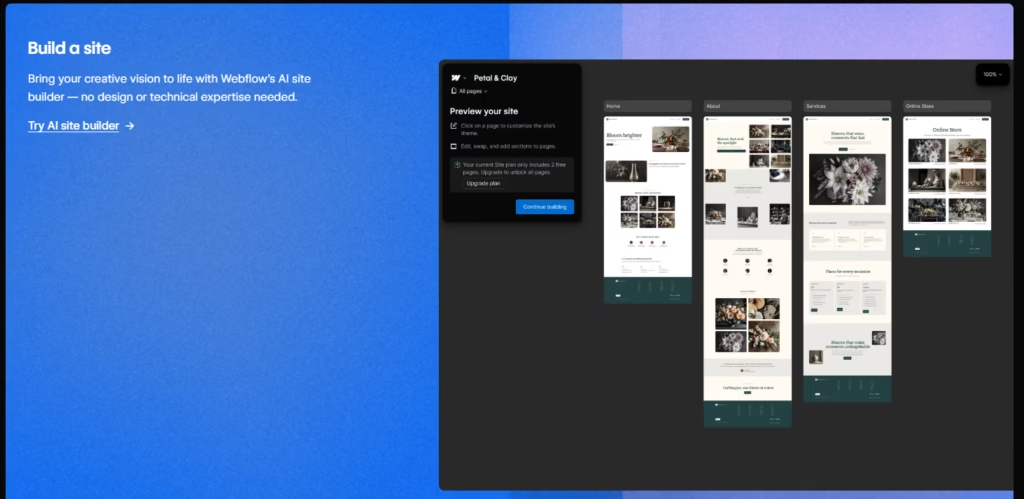
Webflow occupies a unique position: midway between no-code and professional development. Its AI Site Builder (progressively rolling out) generates complete design systems — not just individual pages — with typography, colors, spacing and components consistent across the entire site.
What fundamentally distinguishes Webflow: it produces clean and exportable code, without the technical bloat often criticized by mainstream builders. For agencies and web teams managing dozens of client projects, this is a decisive difference. Klarna and Uber are among the companies using Webflow for their corporate websites.
Strengths: professional-quality code, consistent design system, exportability, SOC 2 compliance.
Limitation: high price for small structures; learning investment necessary.
Price: free plan (webflow.io domain); paid plans starting from €14/month; agency plans starting from €38/month.
Ideal for: web agencies, marketing teams of medium and large companies, projects requiring fine technical control.
5. 10Web — Best for the WordPress ecosystem
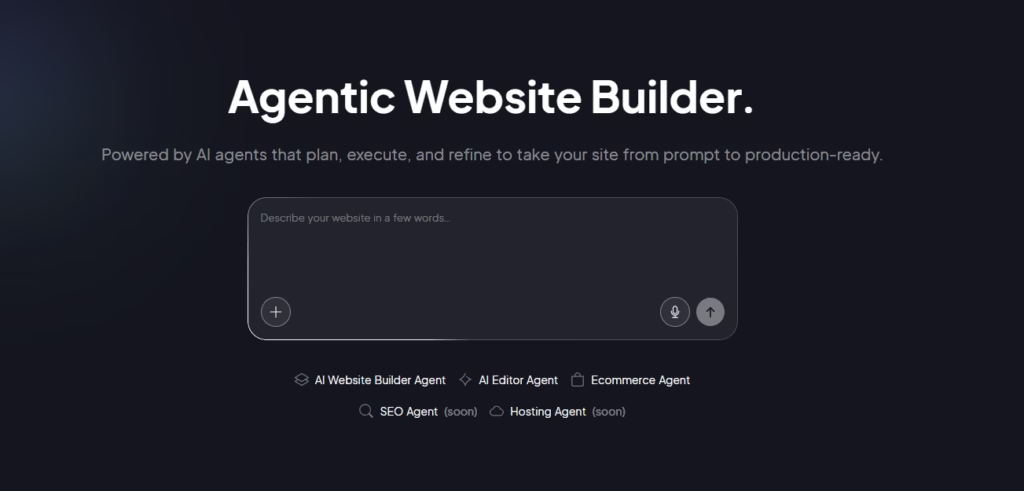
10Web combines the power of WordPress — the CMS used by over 43% of websites worldwide — with AI tools that automate creation and optimization. Simply describe your project, and 10Web generates a complete WordPress site with Elementor, AI-generated content and hosting on Google Cloud.
Its most remarkable feature is site cloning: by entering the URL of an existing site, 10Web creates a WordPress replica in minutes — ideal for agencies migrating clients from proprietary platforms. An automatic PageSpeed optimizer also ensures your Core Web Vitals are optimized.
Strengths: total portability via WordPress, site cloning, optimized performance, access to the entire WordPress plugin ecosystem.
Limitation: requires minimal WordPress familiarity; AI limited to 5 pages per site in basic plans.
Price: from €10/month (1 week free trial).
Ideal for: existing WordPress users, agencies migrating, projects requiring maximum scalability.
6. Lovable — For web applications without coding
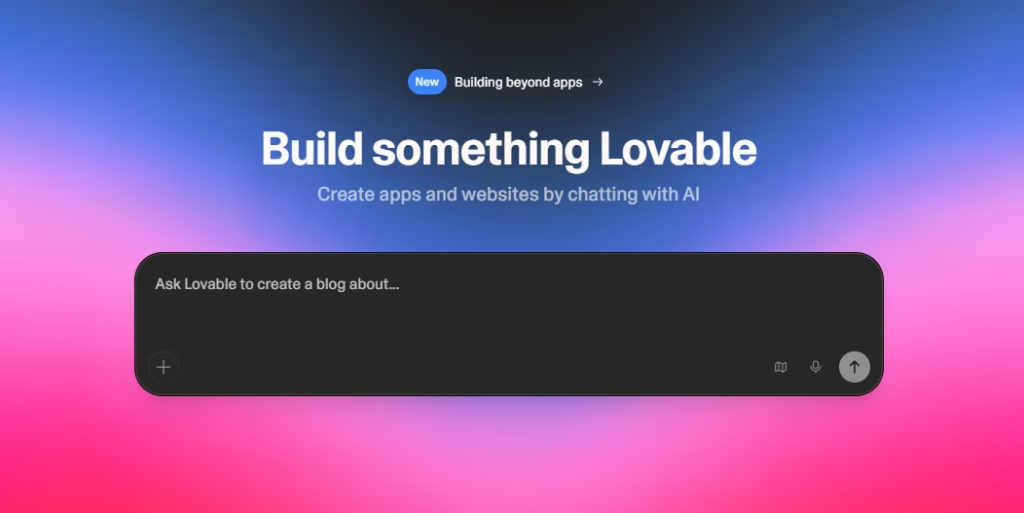
Lovable represents a new category of tools that blur the line between website and application: “vibe coding” builders. This Swedish startup allows you to create complete web applications — not just showcase sites — from a simple natural language description.
The tool orchestrates multiple AI models (GPT-4, Claude) to generate complete React/TypeScript code, integrate Supabase databases and automatically deploy to Netlify. Companies like Klarna use Lovable for rapid prototyping of features. In 2025, the platform reached 200 million dollars in annual recurring revenue.
Strengths: generates truly functional applications, integrated database, automatic deployment.
Limitation: aimed at developers and technical founders; less suitable for simple showcase sites.
Price: limited free plan; Starter at $20/month; Pro at $50/month.
Ideal for: non-technical founders creating MVPs, rapid web application prototyping.
7. Durable — A website in 30 seconds for freelancers
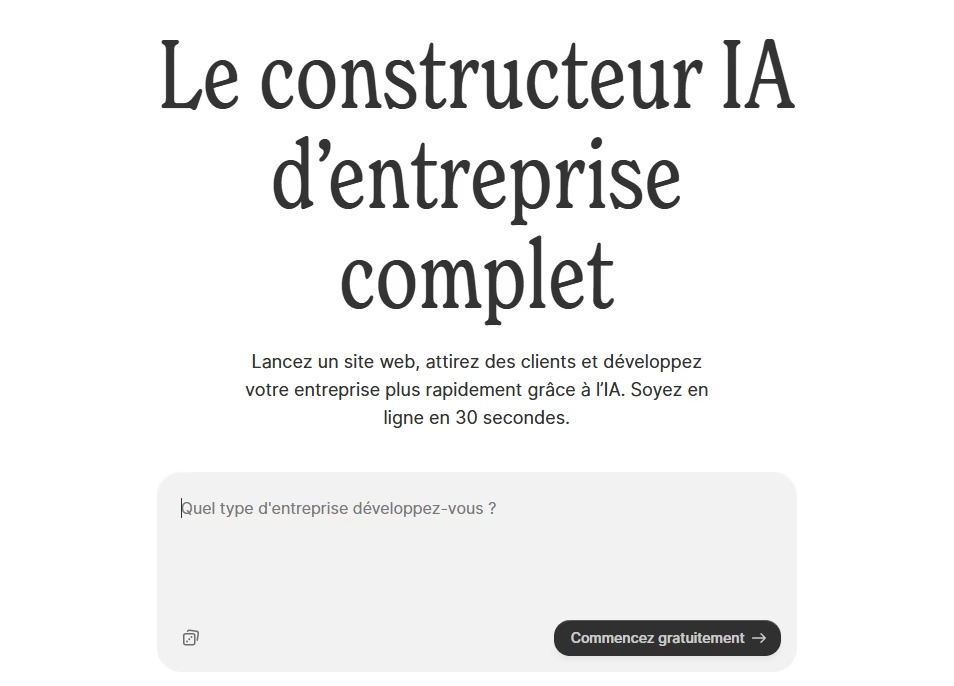
Durable makes an ambitious promise: generate a complete website in less than 30 seconds. Enter your business type and city, and the tool automatically produces a showcase website with AI-generated texts, contact form and visuals — without any additional questions.
The platform is designed for freelancers and local artisans (plumbers, dentists, consultants…) who need an online presence quickly, without getting lost in complex configurations. Durable also integrates basic CRM and invoicing tools, making it a mini professional ecosystem.
Strengths: unbeatable deployment speed, CRM and invoicing included, no skills required.
Limitation: very limited customization; no option to export to other platforms.
Price: from €12/month (no free plan).
Ideal for: artisans, freelancers and professionals seeking quick online presence.
8. Bolt.new — For developers who want to move fast
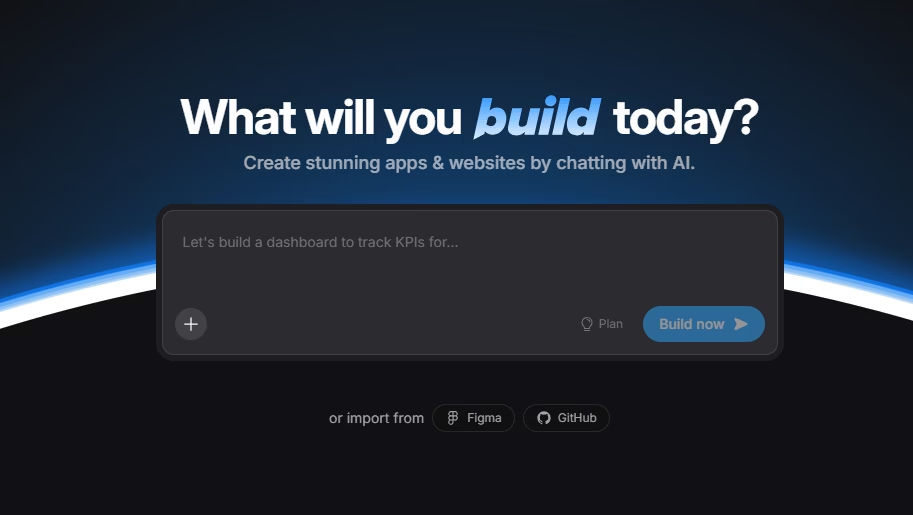
Bolt.new, developed by StackBlitz and powered by the Claude model, is the reference tool for developers who want to prototype full-stack applications in minutes without leaving the browser. Describe your project and Bolt generates a complete Node.js environment, executable online, with frontend and backend.
Bolt.new’s greatest strength lies in its portability: the generated code is exportable and compatible with over 15 frameworks (React, Next.js, Vue…). It’s a vibe coding tool par excellence, reducing by several hours the time needed to set up a functional prototype.
Strengths: exportable and portable code, full-stack in the browser, many supported frameworks.
Limitation: requires basic web development knowledge to fully exploit the tool.
Price: limited free plan; Starter at $25/month.
Ideal for: developers, technical founders, rapid application prototyping.
Comparison table of the best AI tools for creating a website
| Tool | Target profile | Starting price | Free plan | Code export |
|---|---|---|---|---|
| Wix AI | Beginners, SMEs | €17/month | ✅ Yes | ❌ No |
| Hostinger AI | Tight budget | €2.99/month | ❌ No | ❌ No |
| Framer | Designers | $10/month | ✅ Yes | Partial |
| Webflow | Agencies, pros | $14/month | ✅ Yes | ✅ Yes |
| 10Web | WordPress | $10/month | ❌ No (trial) | ✅ Yes |
| Lovable | Founders, MVP | $20/month | ✅ Limited | ✅ Yes |
| Durable | Freelancers | €12/month | ❌ No | ❌ No |
| Bolt.new | Developers | $25/month | ✅ Limited | ✅ Yes |
How to choose the right AI tool based on your profile
You’re a complete beginner
Opt for Wix AI or Hostinger. Their guided conversational approach will take you from zero to a published website without ever touching a line of code. Wix is more comprehensive, Hostinger more economical.
You have a very limited budget
Hostinger is unbeatable at under €3/month with hosting included. The free plans of Framer or Wix also allow you to test seriously before committing.
You want a premium design
Framer is the obvious choice for visual quality, animations and brand consistency. Squarespace (not detailed here but solid) is an alternative if you prefer editorial templates.
You manage an agency or client projects
Webflow stands out as the professional standard thanks to code quality, design systems and portability. 10Web is an excellent alternative for WordPress-focused agencies.
You want to build an application, not just a website
Lovable and Bolt.new are in a class of their own: they generate true digital products with databases and backend logic, not just HTML pages.
Limitations to know before getting started
AI significantly speeds up website creation, but it’s not a miracle worker. A few points of caution are necessary.
Platform dependency is the first risk: Wix, Durable and Hostinger don’t allow you to export your website. If you decide to migrate to another solution, you start from scratch. Prioritize WordPress (via 10Web), Webflow or tools that export clean code if portability is a priority.
AI-generated content requires human review. Automatically produced texts are a good starting point, but they remain generic and must be personalized to reflect your brand voice and specifics.
Finally, an AI-generated website is never perfect on the first try. Treat the result as a prototype to refine, not as a final deliverable. AI produces a solid foundation; it’s up to you to add the soul.
Conclusion
AI for website creation has democratized access to a professional online presence. In 2026, the right tool depends above all on your profile: Wix for versatility and ease, Hostinger for budget, Framer for design, Webflow for professionals, 10Web for the WordPress ecosystem, and Lovable or Bolt.new if you want to go further toward a true application.
Whatever your situation, the best approach is to start by testing the free plans available before making a financial commitment. Most of these tools allow you to get a realistic first preview in less than ten minutes. The web has never been more accessible to you.
To go further on ai-explorer.io:
- Free artificial intelligence: all available solutions
- 7 free AI tools for efficient coding in 2025
- The 10 vibe coding tools in 2026
- Generative AI: definition, examples and uses
- How to use ChatGPT: complete guide for beginners
“`